
How to label moving boxes so you can find everything
A badly labelled box costs you twice: once when it lands in the wrong room, and again when you open six boxes looking for the kettle. A good label system takes a few minutes to set up and saves hours on the other side.
Here is a system that works whether you have 15 boxes or 150. For the bigger picture — what to pack first and what to do on moving day — see the moving inventory checklist.
What goes on every label
Each box gets the same four things, always in the same order:
- A number. Box 1, 2, 3 and so on. The number is what you search for and count.
- The room it goes to in the new home, not the room it came from.
- A short summary of what's inside: "kettle, toaster, mugs", not "kitchen stuff".
- Handling notes if needed: fragile, heavy, this side up.
The number matters most. Rooms change their minds, summaries get vague, but "Box 23" is always Box 23.
Colour by room
Give every room a colour: kitchen red, bathroom blue, bedroom green, and so on. Use coloured tape or stickers on the boxes, and put a piece of the same colour on the door of each room in the new home.
Movers don't need to read anything: green box, green door. It also helps when boxes are stacked and the writing is hidden.
Where to put the label
- On two sides, never only on top. Tops get covered as soon as boxes are stacked.
- On the short side and one long side, so it's visible on a shelf and on a stack.
- High up on the side, above the handle holes, where it won't get torn when the box is carried.
Write big with a thick marker. If you print labels, use a font you can read from two metres away.
What to leave off the outside
Don't write "jewellery", "laptop" or "cameras" on a box that will sit on the pavement or in a shared hallway. Use the number and a neutral summary instead ("office, box 8"), and keep the real contents on your list.
Also skip the history of the box. If it once said "Christmas 2019", cross it out completely or use a new box: mixed labels are how boxes end up in the attic.
Keep a list that matches the numbers
The label tells you where a box goes. The list tells you which box to open. For every number, note the room and the main contents, and take one photo of the open box before you tape it.
On moving day the list doubles as a checklist: count boxes out of the old home and into the new one by number.
Doing it with Stowkeep
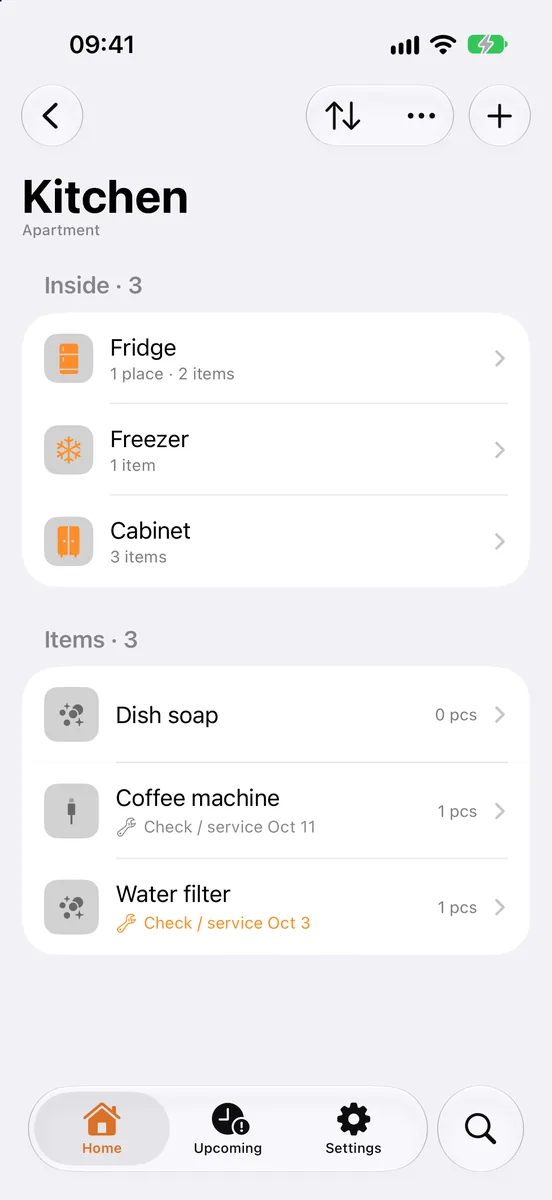
Stowkeep is an app for iPhone and Android that remembers where things are, and it turns a box label into a list you can open from your phone.
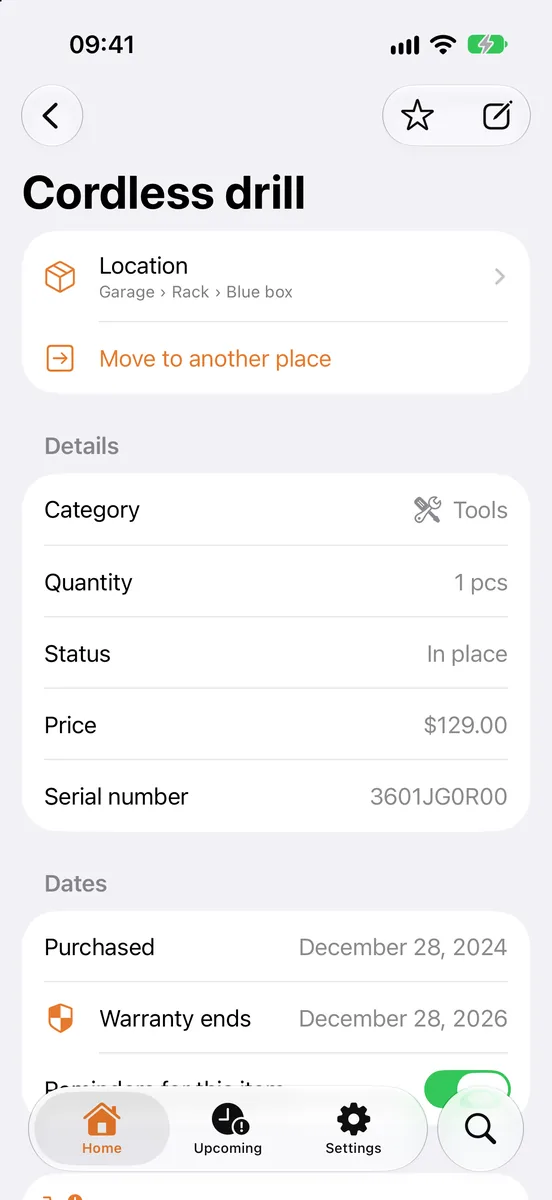
- Every box is a place. Create "Box 23" inside "Kitchen" and add what's in it, with a photo.
- QR labels: each box gets a printable label with a QR code, the box name and its path. Print it or share it, stick it on the box, and scanning the code with the phone's camera opens the list of what's inside.
- Contents stay off the box. The label only shows the name and room; what's inside is on your phone, not on the side of the box.
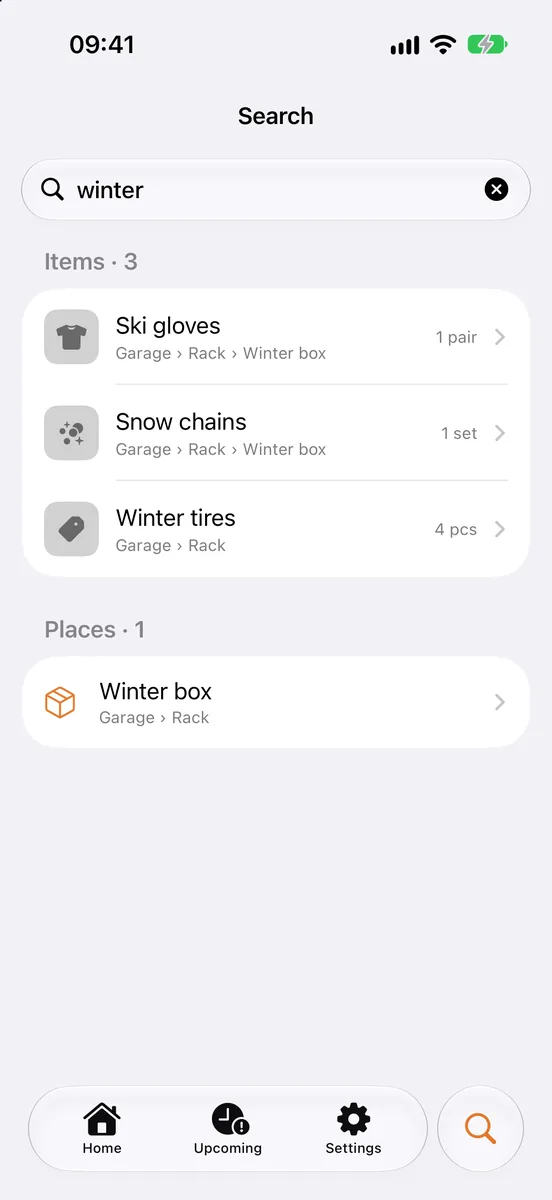
- Search with the full path: type "kettle" and get "Kitchen › Box 23".
- Shared home: everyone helping with the move sees the same boxes and can add to them.
The first 30 places and 100 items are free, usually enough for a small move.
Checklist
- Number every box, and write the destination room.
- Add a short, specific summary and any handling notes.
- Colour-code boxes by room, and mark the doors in the new home.
- Label two sides, high up, never only the top.
- Keep valuables off the outside; keep them on your list.
- Keep a numbered list and count boxes out and in.
FAQ
 How to make a home inventory for insuranceHow to make a home inventory your insurer will accept: what to record, photos, receipts and serial numbers, and how to keep it up to date in minutes.Moving inventory checklist: know what's in every boxA practical moving inventory checklist: number and label boxes, list what's inside, pack an essentials box and find anything after the move.
 Garage organization that stays organizedOrganize your garage in zones, label shelves and boxes, track tools you lend out and service dates — and find any item in seconds instead of searching.